


 Slack
Slack 






























Wanta is a desktop AI workspace built by OOMOL. Use its built-in Agent or bring agents such as Codex and Claude Code to work with local files and connected apps. Signing in enables OOMOL-hosted Connections and team services.
Connect your team’s AI to work
Use the built-in Agent or bring Codex and Claude Code. Work across apps and local files, share Connections and Skills, and manage access by member and action.
Download Mac ARM only
Explore connected apps Illustrative demo · sample data

Personal workspace for your own workTeam workspace with approved tools
Your choice of Agent
Bring your Agent to your team’s tools
Use the built-in Agent, Codex, Claude Code, or Grok in one desktop workspace. Wanta provides Connections, Skills, and task artifacts. External Agents keep their own accounts, models, and quotas.
- Built-in Agent · Hosted models or BYOK
- Codex
- Claude Code
- Grok
External Agents require local installation and sign-in. Features vary by adapter. Team Connections and hosted services follow Wanta pricing.
How work moves
Connect tools. Complete tasks. Reuse what works.
Work with local files and authorized app accounts in one workspace. Follow execution and keep the files your Agent produces.
Work across files and connected apps
Ask your Agent to read a local spreadsheet, query connected apps, and assemble a checklist or report. Review the execution and generated files within the task.
Connect the tools your team uses
Admins connect services such as Gmail, Slack, PostHog, and Notion to Wanta. It calls the corresponding tools within approved scopes, so one task can read data, review messages, and update documents.
Choose who can use each account and action
Admins share Connections and assign permitted actions. Members use approved capabilities without receiving connection secrets. Manage multiple accounts for the same app; permission granularity and account limits depend on the plan.
Keep the method that worked
Once a task works well, save the tools, steps, checks, and output format as a Skill. When teammates handle similar work, Wanta follows the same method and keeps reports, checklists, and updates consistent.
A team workflow
From admin setup to a weekly report
A growth report connects account authorization, member access, and reusable instructions. This is an illustrative workflow; available actions depend on account access and plan.
-
Connect team accounts
An admin connects PostHog and Notion accounts for analysis and report storage.
-
Assign permitted actions
Give analysts the query and document actions they need, within the scope of the task.
-
Choose an Agent and run the task
A member requests a weekly report. Their Agent uses shared Connections to collect data and produce it.
-
Share the method as a Skill
Save the data sources, analysis steps, and checks so teammates can repeat the task.
Shared Connections define available access; shared Skills supply the method. Sessions and generated files are not automatically shared.
Explore team accessReal task examples
From one request to a usable result
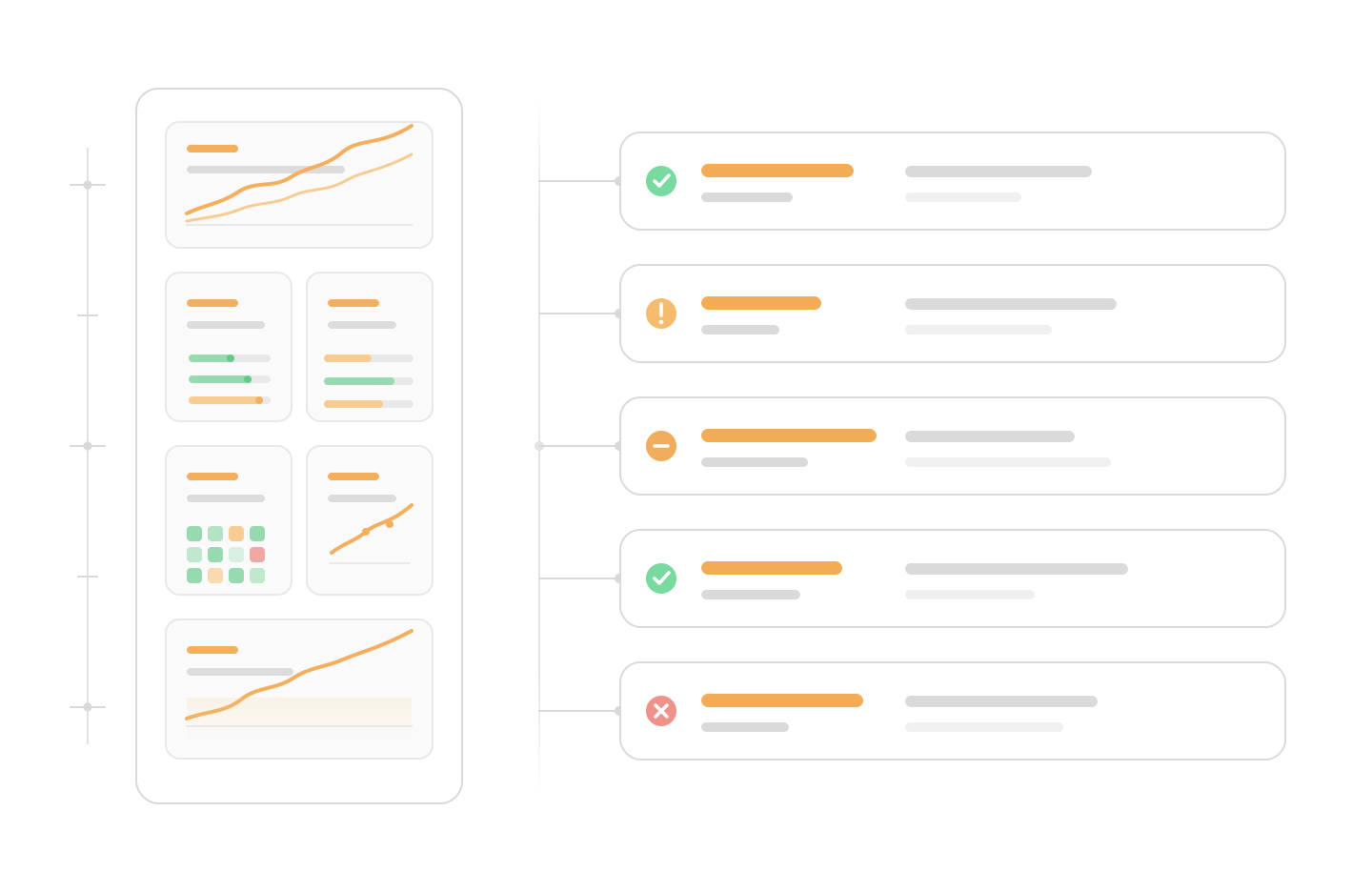
Use connected tools to turn data, docs, and conversations into charts, checklists, and reports. Common patterns can become shared team capabilities. The data below is illustrative.
Wanta finds the funnel change and returns trends, causes, and next steps.
Data to insight
 CALLED
 sheets.read_signup_funnel  CALLED
 supabase.query_auth_events Wanta insight
The lift is in mobile workspace creation; OAuth callback success improved too.
Signup conversion +5.7%
Visit 12,480 Sign up started 3,420 Email verified 2,180 Workspace created 1,140
Main lift: Email verified → Workspace created
Product and services
A desktop workspace with an open connector ecosystem
Wanta is built by OOMOL. The desktop app, connector infrastructure, and hosted services each have a distinct role.
Wanta
The open-source desktop app for Agents, tasks, local files, and artifacts. With your own OpenAI-compatible model key, its built-in Agent can run local tasks without an OOMOL sign-in.
Explore Wanta sourceOpenConnector
An open-source connector gateway and shared app/action ecosystem. The connector handles account credentials, action execution, and access policies.
Explore OpenConnectorOOMOL SaaS
Managed sign-in, OAuth and connection credentials, organizations, shared permissions, usage, and billing.
Explore OOMOLHosted connector credentials are not distributed to members or Agents. Business data needed for a task may still be sent to the selected model; local execution does not mean all data stays on-device.
Q&A
What is Wanta?
Why can a personal setup work for the team?
Admins share Connections with the organization and assign member access. Members do not need to configure those Connections again. External Agents still need their own local setup and sign-in. Skills can be shared separately; sessions and files are not automatically shared.
Can members see the keys or tokens?
No. Teammates use approved capabilities through Wanta, but raw API keys, tokens, and account credentials are not exposed to everyone.
What happens when someone leaves the company?
Remove a member or change their permissions to stop their use of team-shared Connections in Wanta. Access they hold directly in an external service must be managed separately in that service.
Can I use Wanta if I already use Codex?
Yes. Bring Codex into Wanta with its native account, models, and quota, and use Wanta’s Connections, Skills, and artifacts. Supported features vary by Agent adapter. Wanta-hosted services are billed separately.
Which work apps does Wanta support?
Wanta targets 1000+ work app connections across email, chat, docs, data, project management, support, developer tools, marketing, and more. Available actions depend on each app and authorized access.
Where do Skills or workflows fit in?
They capture repeatable ways of working: which tools to use, how to organize information, what checks to run, and how results should be formatted. Reliable setups can be shared with the team.
Download Wanta
Bring Wanta into the team's day-to-day work.
Connect team tools so members can use AI to find information, organize records, and draft content.
Download Mac ARM only